
Stream Boards: How to Use
Big, bright game boards for your live breaks. You type in a Google Sheet. The board on your TV changes by itself. Most people are set up in about 10 minutes, and it's free to use.
Open the Boards Download the Setup Guide (PDF)
What you need
- A phone to go live (use the back camera).
- A phone tripod so the shot stays steady.
- A TV or monitor behind you. 40 inches or bigger is best.
- A laptop, mini PC, or smart TV browser to open the board on the TV.
- Good internet, at least 10 Mbps upload.
- A free Google account for your game sheet.
- Nice to have: a ring light, a second screen for your sheet, and a 4x6 thermal label printer if you sell spots in your shop.
How to use it (the 10 minute setup)
- Copy your game sheet. Go to the Downloads page and click Copy on the sheet you want.
- Share it. In your sheet, click Share. Set General access to Anyone with the link and Viewer.
- Make your board link. Go to boards.wackymclovin.com, paste your sheet link, pick your game, and click Make my link.
- Open it on your TV and bookmark it. Press F11 (Windows) or Control + Command + F (Mac) for full screen.
- Test it. Type a name next to spot 1 in your sheet. It shows up on the TV in about 5 seconds.
- Set up your shot. TV behind you, phone on the tripod in front of you, light in front of you.
- Go live. Open TikTok, tap +, swipe to LIVE, and go.
The games
- $1 Start Auction with a gold high-bid leader.
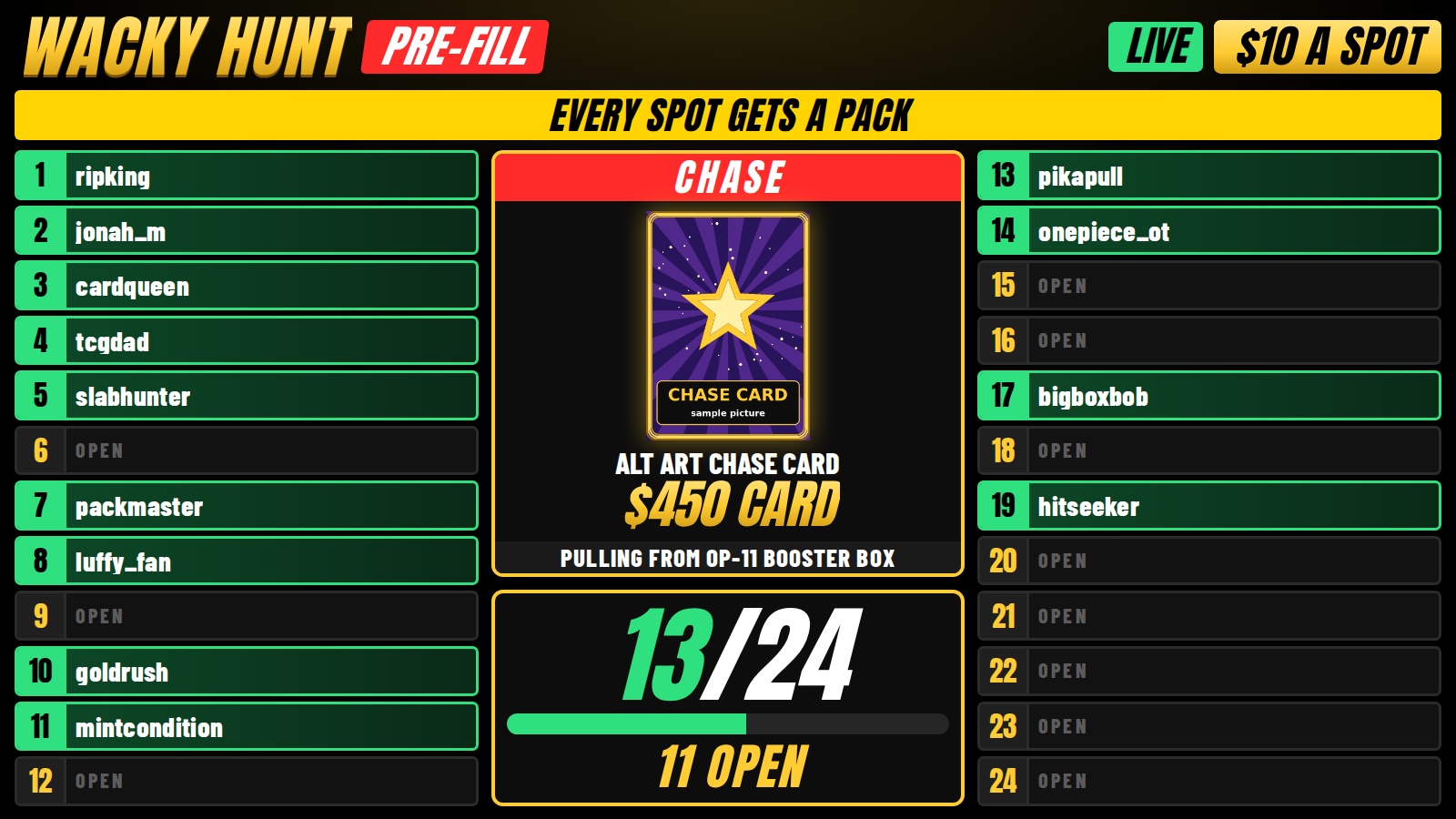
- $10 Pre-Fill and $30 A Pack spot boards.
- Custom Auction you can change right on the board.
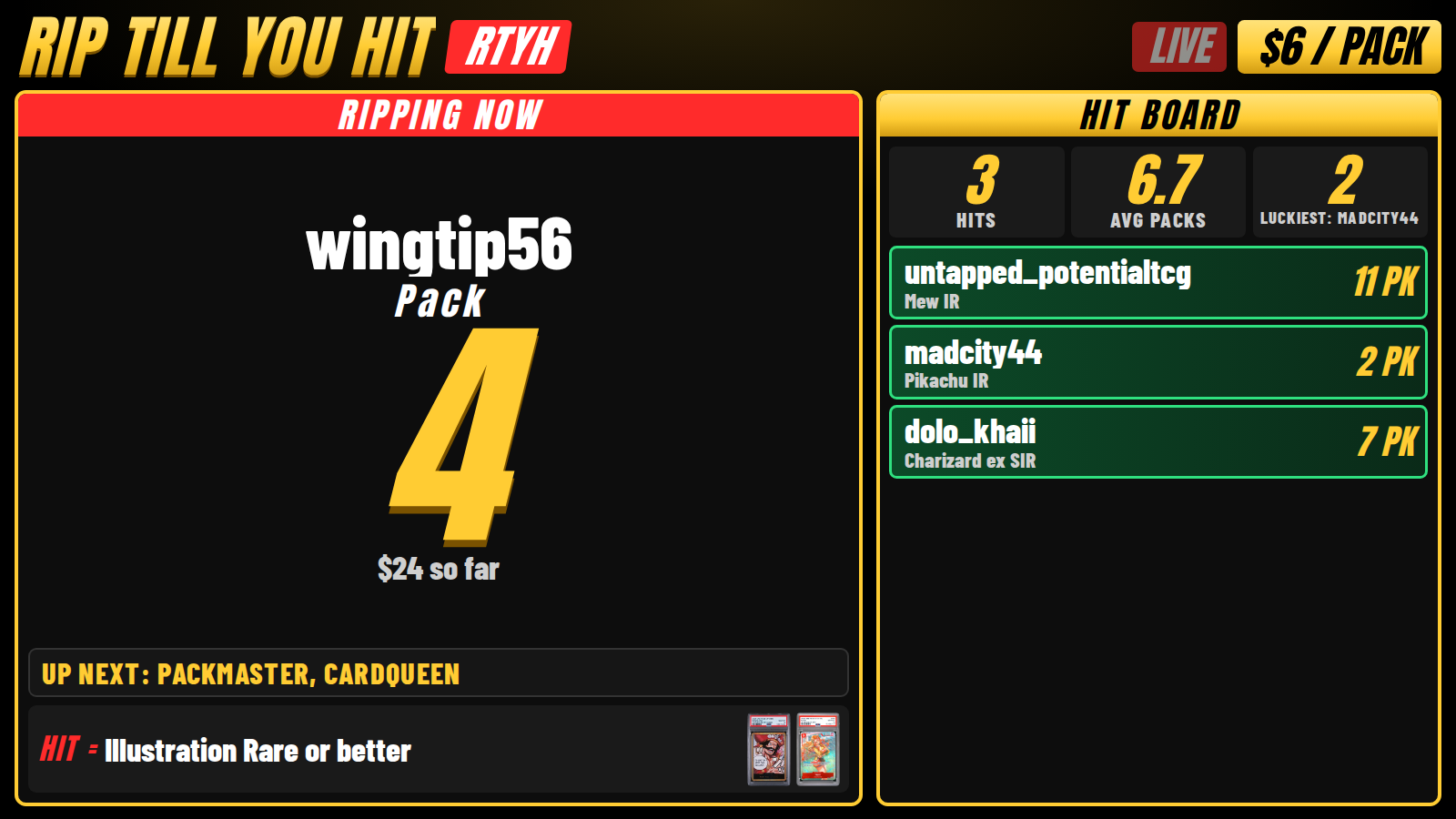
- Rip Till You Hit with a big pack counter and a HIT! celebration.
- Pick Your Type color grid for Pokemon types or One Piece colors.
- Case Break box tracker with a live hit list.
- Wall of Hits to show off the night's best pulls.
Sell spots in your shop, labels print by themselves
When someone buys a spot on TikTok Shop or your website, they get the next open spot on the board. A spot label prints at your Print Station with the spot number, the buyer, and the order number. You just rip and read the label.
This part connects to your own Shopify store, so we set it up with you once. Want it? Send us a message and we'll get you going.
Need more help?
The full step by step guide, the best settings, and quick fixes are on the How to Use page. You can also grab the printable PDF and keep it by your stream table.